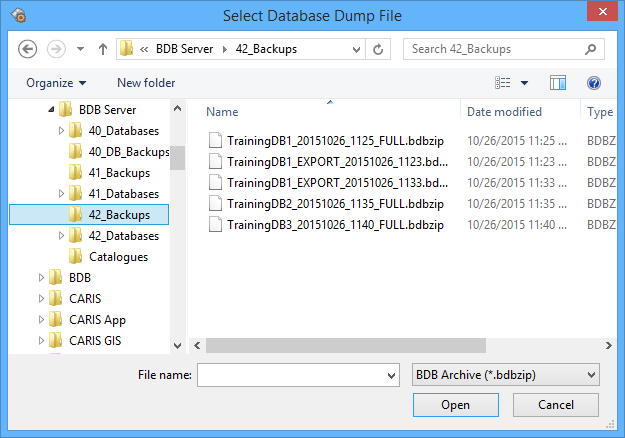
Extract Database Dump is used to extract a database that was previously compressed into a BDBZIP file using the Dump command. When completed, the extracted database needs to be registered with the Node Manager before it can be started and used in BASE Editor.
To extract a dump file:
Menu | File > Extract Database Dump |
1. Select the Extract Database Dump command.
The Select Database Dump File dialog box is displayed.
2. Select the file you wish to extract and click Open.
The Browse for Folder dialog box is displayed.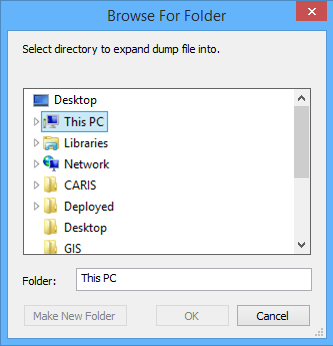
3. Select a location into which to extract the file and click OK.
The file is extracted into the selected location.
Before the database can be started and used in BASE Editor, it must be registered in the Node Manager. If the selected location is defined in the file system table as a node location, the extracted database can be registered. See Register a Database for information on registering the database.
If it is not a node location, before you can register the database you will need to either:
• copy the extracted files into a defined node location, or
• create a new node for the current location. See Edit Node Locations.
Once registered, the database can be started and accessed by users.