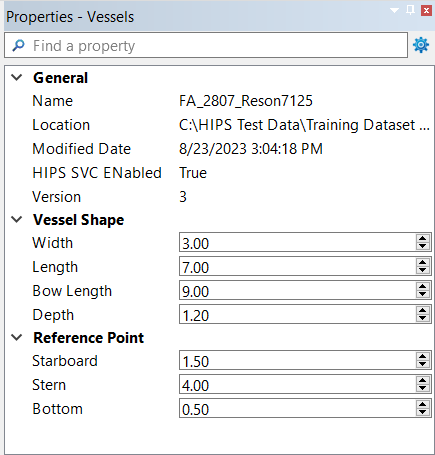
The Properties window shows the properties for the vessel or component that is selected in the Vessels Window.
Many of the components in the Vessels window only have a single property, a read-only name. However, there are some exceptions:
• The vessel itself has its shape and the location of its reference point, which can be edited.
• Sensor components have their name, manufacturer, model name, and data format, which can be edited.
Unlike the values in the Attributes Window, the values in the Properties window are assumed to remain constant for the entire life of the vessel. Therefore, they cannot be adjusted over time using timestamps.