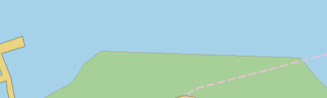
Pop-up | Edit Line > Filter |
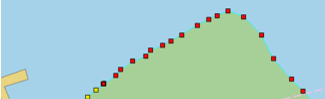
The Filter Selected Vertices command is based on the Douglas-Peucker Algorithm. A tolerance is specified that determines the amount of processing done on the edge. The larger the tolerance, the fewer vertices remain on the edge. The tolerance is set using the Edge Filter Tolerance in Edit options in the Options dialog box.
The units of the tolerance value is determined by the Distance Units option in the Units tab of the Options dialog box. |
Related commands:
Procedure
1. Select the feature.
2. Select the Edit Mode command.
3. Select a range of vertices.
To select a range of vertices, press and hold <Shift> and click on two vertices. All vertices between the two will be selected. |
4. Select the Filter Selected Vertices command.
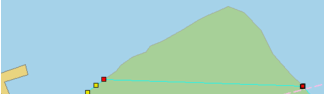
The vertices are filtered.
5. Refresh the display.
The line is redrawn.