Menu | Window > Layouts > Layouts |
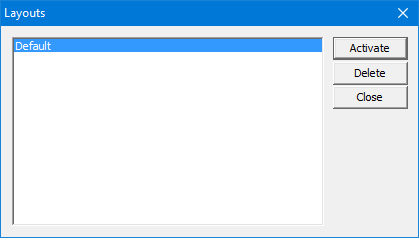
Select existing layouts or delete a layout.
The layout and display of windows and toolbars can be saved. If necessary, the original layout can be restored.
The Layout commands apply to the location of interface components and not to the display of data.
Related commands:
• • | • • |
Interface
Procedure
1. Select the Layouts command.
The Layouts dialog box is displayed.
2. Select a layout from the list.
3. Click Activate to apply the selected layout or click Delete to remove it.
4. Click Close.