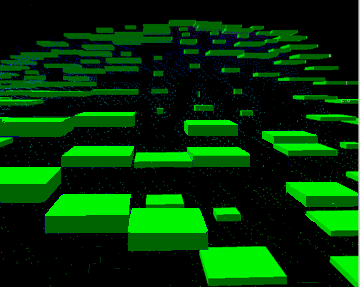
Show only Selected Alternatives
Show Only Hypotheses with Alternatives
Show alternative hypotheses
To view alternative hypotheses:
1. Select the Show Alternative Hypotheses check box in the Subset Control window.
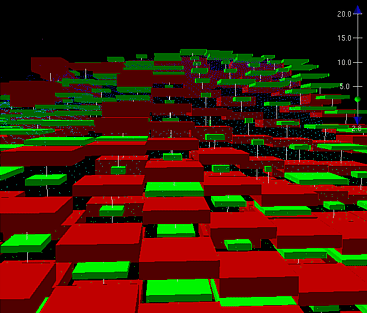
The 3-D and 2-D Views are refreshed to highlight the alternative hypotheses. The following image shows a 3-D View with the alternative hypotheses displayed in red.
The red squares represent hypotheses that were not selected during disambiguation. The vertical lines that run between the nodes are viewing aids to match these alternative hypotheses to the ones selected by CUBE.
Show only Selected Alternatives
To compare nominated nodes against the existing nodes,
1. Clear the Show Alternative Hypotheses check box
2. Select the Show Only Selected Alternatives check box.
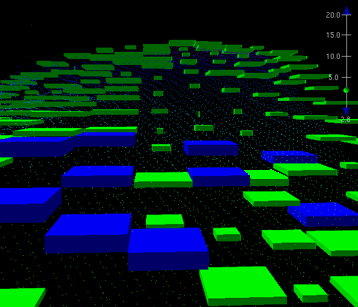
The 2D and 3D Views are refreshed to show only the nominated and established hypotheses. The following image shows the 3-D View with only nominated and established hypotheses displayed.
Show Only Hypotheses with Alternatives
Some hypotheses will not have alternatives. To view only those hypotheses selected by CUBE that do have alternative hypotheses:
1. Select the Show Only Hypotheses with Alternatives check box.
The Views are refreshed to show only the hypotheses for which there are alternative hypotheses, as illustrated below.