 CARIS HPD Product Editor
 CARIS HPD Product Editor
CARIS HPD Source Editor
CARIS S-57 Composer
S-100
Menu | File > New > Feature Layer |
Tool |
|
Create a new feature layer. You can use a feature layer to create new features or edit existing features.
You can save the contents of a feature layer to a HOB file using the Save Active Layer command. If you close a feature layer or exit CARIS, you will be asked if you want to save the feature layer.
This command allows you to specify the spatial extent of the new feature layer.
Related commands:
• • | • |
Interface
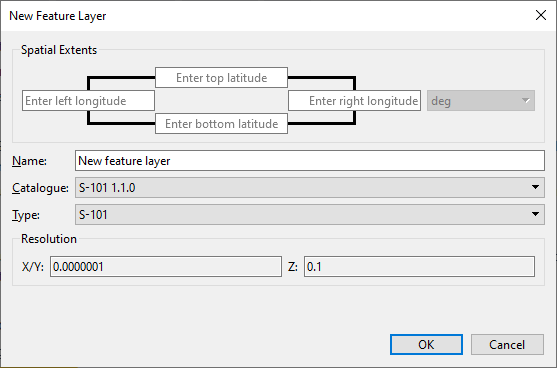
Active feature layer is open:
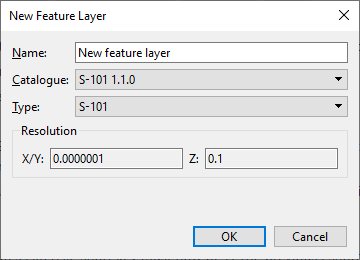
Data is open:
Option | Description |
|---|---|
Spatial extents | Define the extents of the feature layer. Choose a coordinate type: Ground or Geographic. The labels change to reflect the type. |
Name | Name for the layer. Type in the box. |
Catalogue | Determines how data in the layer is defined. Select from the list. |
Type | Resolution type of the layer. Select from the list. |
Resolution | XYZ values from the selected resolution type. This field is read-only. |
Procedure
1. Select the New Feature Layer command.
The New Feature Layer dialog box is displayed.
2. Type a name for the layer.
3. Change any other necessary options.
4. Click OK.
After a feature is added to the layer, the layer can be saved. The layer icon changes colour to indicate that it has been saved.
