| Description | Example |
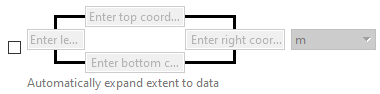
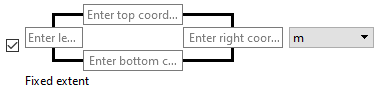
Extents | An extents property defines the extents that will be applied to the output of the process. The check box defines how the extents are determined: • Unchecked: As data is added, the extents are automatically updated to cover all the data. Note that some older software cannot open coverages with expanding extents, so it may be necessary to run a process like Copy to CSAR to create a copy of the coverage with fixed extents. • Checked: The extents are fixed at the coordinates defined by the user in the boxes to the right. |
|
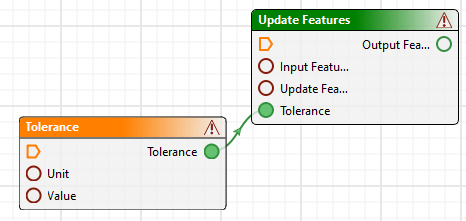
Quantity | A quantity property consists of a value and a unit for the value. If desired, you can set the value and its unit separately by clicking on the indicator box and selecting “Expand quantity”. |
|
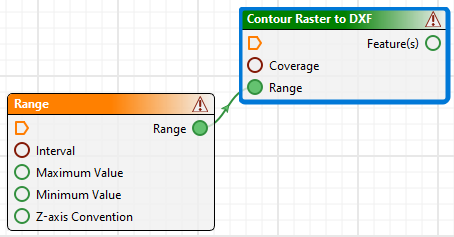
Complex | A complex property consists of several different sub-properties. If desired, you can set each sub-property separately by clicking on the indicator box and selecting “Expand complex”. |
|