Pop-up | survey > Launch Teledyne Optech LMS (Project window) |
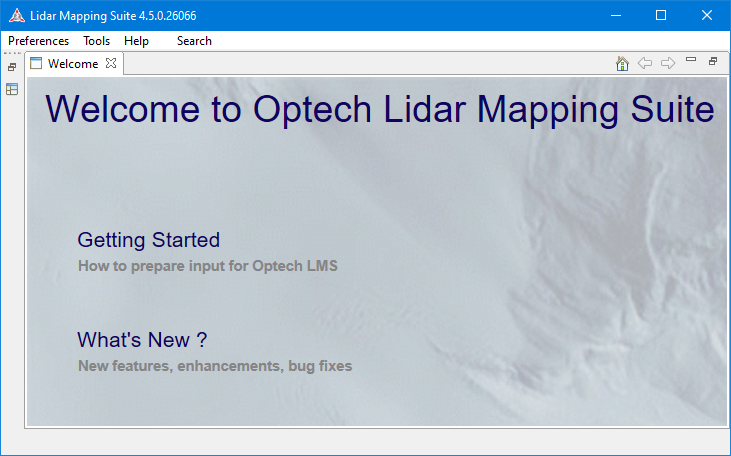
The Teledyne Optech Lidar Mapping Suite (LMS) is a separate application that can be used to define mapping settings to be applied when calibrating CZMIL data. The application is accessible from survey data opened in BASE Editor when the CZMIL module is enabled.
This is a separate application that must be installed and licensed manually. If you wish to use Optech LMS to define calibration settings, contact Teledyne Geospatial Customer Service for the software installation and its installation guide, as well as the necessary licensing. |
Related commands:
Procedure
1. Open the relevant survey data.
2. Select the survey data item in the Project window.
3. Right-click the survey data item and select Launch Teledyne Optech LMS.
The Lidar Mapping Suite application is launched.
4. Refer to the documentation for this application for information on defining the lidar calibration settings.