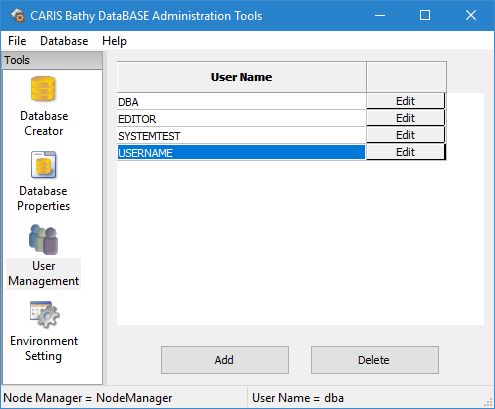
If a user account is no longer needed, the account should be deleted from the system. Completely deleting a user means removing it from both the node manager and the RDBMS.
It is recommended that user roles be removed from the account prior to deleting the account from the node manager. Deleting a user account with roles assigned to it will make it very difficult to remove the account from the RDBMS.
Procedure
1. Double-click the User Management tool.
The User Management table is displayed in the main window.
2. Select the appropriate user in the table.
The "dba" system administrator user cannot be deleted. |
3. Click Delete.
The following message is displayed.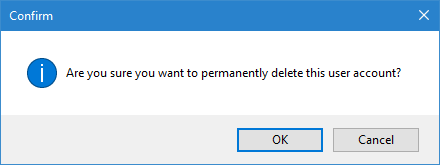
4. Click OK.
The user account is removed from the node manager. Please refer to the documentation for your RDBMS for information on deleting a user account from that system.