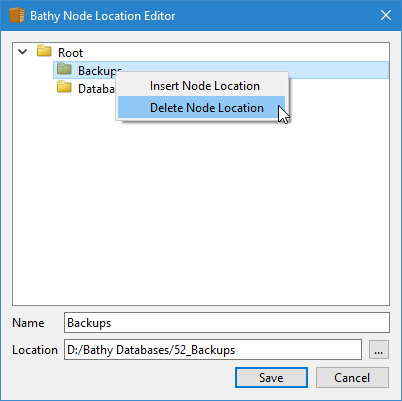
Node locations can be deleted when they are no longer needed. This is also done in the Node Location Editor.
1. With the editor open, right-click the node to be removed.
Pop-ups | Delete Node Locations |
The Node Location pop-up menu is displayed.
2. Select the Delete Node Location command.
The selected database node is deleted. The directory itself will not be affected, but the node will no longer be available in the Administration Tools.
3. To save your updates to the table file, click Save.
The Bathy Node Location Editor is closed and the filesystemtable.bfs file is updated.