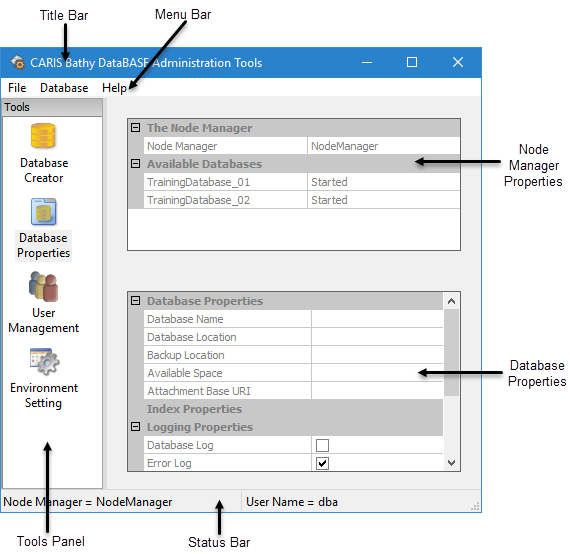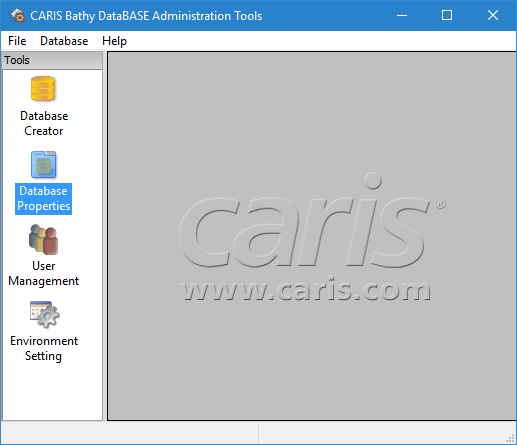
The BDB Administration Tools application provides tools for creating and managing databases. It also provides information for each of the databases on the node manager.
To start the Administration Tools, select Administration Tools <version> from the Windows Start menu.
The BDB Administration Tools are started.
Icons for the administration tools are displayed in the Tools panel along the left of the window. When available, table data is displayed in the main window on the right.
In order to access any of the tools or information, you must be connected to a node manager. The CARIS Bathy DataBASE Node Manager <version> service must be started to connect to a node manager.
To connect to the node manager:
1. Select the Select a Node Manager command.
2. Enter the name or IP address of the computer that houses the Node Manager and then click Connect.
Menu | File > Select a Node Manager |
3. Enter the User Name and Password of an account that has access to the node manager.
4. Click OK.
You are now connected to the Node Manager. The name of the Node Manager to which you are connected is displayed in the bottom-left corner of the application and under the Node Manager section of the Database Properties page.