 CARIS HPD Paper Chart Editor
 CARIS HPD Paper Chart Editor
CARIS HPD Product Editor
CARIS HPD Source Editor
Add a custom coordinate reference system by modifying an existing coordinate reference system, its transformations, if any, and an associated projection.
Custom coordinate reference systems apply to the current project only. They are not saved and cannot be applied to other projects.
Only projected coordinate reference systems can be created. |
You access this command from the Select Coordinate Reference System command.
1. Select the Custom tab.
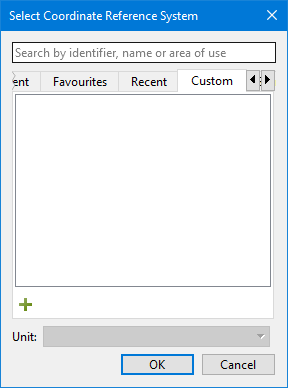
2. Click +.
The Add Coordinate Reference System wizard is displayed.
3. Enter data using the wizard.