Menu | File > Regenerate Product |
Tool |
|
Menu | File > Regenerate Product |
Tool |
|
Update a product that was created from multiple datasets with new information.
For example, a product has been created from both an existing ENC cell and a HOB file containing bathymetry from another source. Changes have made to the bathymetry and saved to the HOB file.
When this command is applied, the previous HOB data in the product is overwritten and the product is recreated using the updated file.
Make sure that the updated files have the same path and name as the files used to create the product. |
Related command:
Procedure
1. Open a product that was created using multiple datasets.
2. Select the Regenerate Product command.
A message like this is displayed.
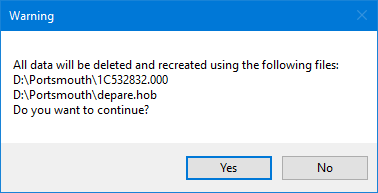
3. Click Yes.
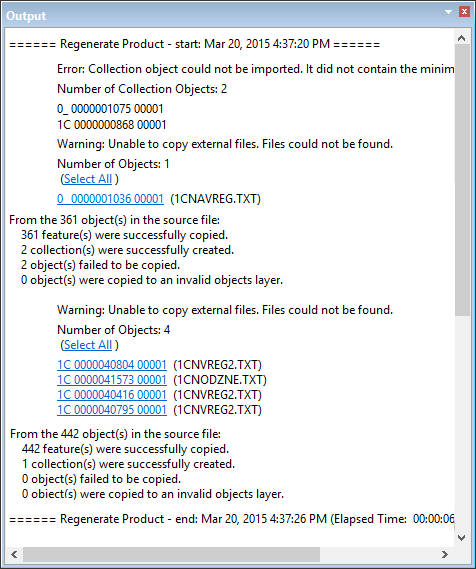
The files listed in the message are regenerated and the results are displayed in the Output window.