Menu | Tools > Layers > Remove Layer |
Pop-up | attribute band > Remove Layer (Layers window) |
Remove a selected layer from a raster surface, variable resolution surface or point cloud. This is a permanent change. There is no way to add a layer back to the coverage once it has been removed.
The following layers are required and cannot be removed:
• Primary elevation band
• Status band
• Bounding Polygon band
Related commands:
Procedure
1. In the Layers window, select the layer you wish to remove.
2. Select the Remove Layer command.
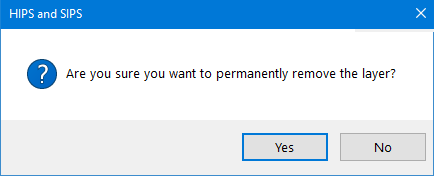
A message is displayed to confirm the deletion of the layer.
3. Click Yes to permanently remove the layer.
The layer is removed from the coverage.