Menu | Model > New Feature > Surface > Superselection/Selection |
Create a reference model surface using one or more existing area features. The source features can be any closed feature object, such as reference model surfaces and templates, and S-57 area features. If multiples objects are selected, a new surface will be created for each selected object, unless one object is completely within the other object, in which case a single surface will be created for the entire extents of the selection.
Related commands:
• New Surface from Existing Points
Procedure
1. Select the layer in the Layers window that contains the source features.
2. Select the features that will be used to define the extents of the new reference model surface(s).
3. Select the relevant New Surface from Superselection/Selection command based on the number of features selected.
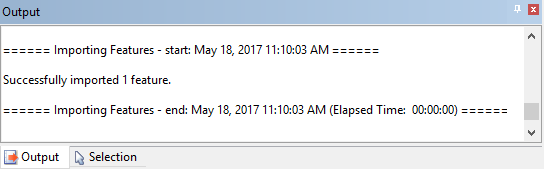
The new surface(s) is created. A message is displayed in the Output window stating the number of surfaces that were successfully imported into the reference model.