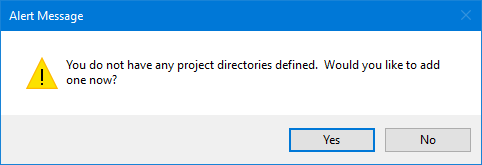
If you have not defined a repository for your project data before beginning processing, an alert message is displayed.
1. Click Yes to create a project directory.
The Connect To dialog box is displayed.
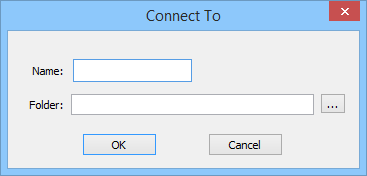
2. Type a Name for your repository.
For consistency with older code contained within HIPS and SIPS, directory names and paths should not contain any spaces, or any special Windows characters such as |
3. Click the Browse button to open the Browse for Folder dialog box.
4. Navigate to the location where you want the project data to be stored.
5. Click OK.
The path to the data will be displayed in the Folder field.
6. Click OK to connect.