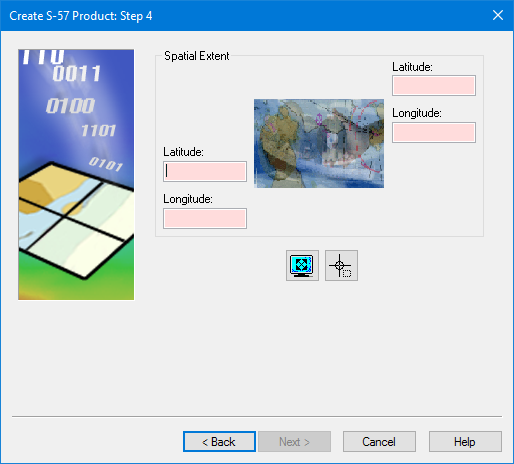
The geographic extent of the product, in the WGS84 coordinate reference system (CRS). Type the extent directly or grab it from an external file.
Interface
Set the extent using one of the following methods.
Command | Button | Description |
|---|---|---|
Set manually | Type the coordinates in the Spatial Extent fields using one of the following formats: • • • Coordinates must be in the WGS84 CRS. Source data in any other CRS will be transformed to WGS84 for the product. | |
Use current cover |
| Use the current extent of the Display window. Make sure that the Display window shows only the area required for the product. |
Digitize boundary |
| Digitize a box to represent the extent. A cross-hair cursor is displayed. Press and hold the mouse button and drag across the area where you want to create the product. |
Procedure
1. Set the extent.
2. Click Next.

