Publications Module only.
The Comments window lets users exchange information by attaching comments to selected objects. Comments can be attached to Pending folders, Publications, or Catalogues. You must select a component in the Object Browser before adding a comment.
1. Display the Comments window by clicking on the tab.
2. Select a component in the Object Browser.
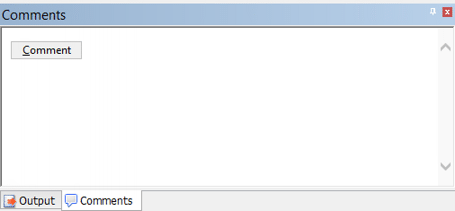
The Comment button is displayed in the Comments window.
3. Click Comment.
A text box is displayed.
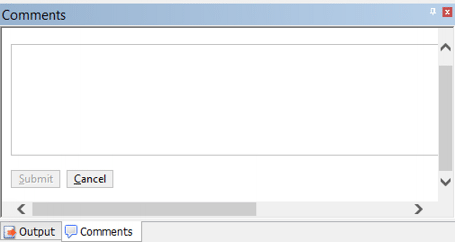
4. Type a comment in the box.
5. Click Submit.
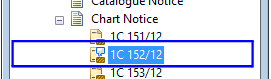
A note icon is displayed beside the selected component.
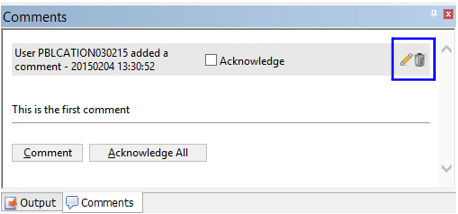
The comment is added to the window and new command buttons are displayed.
Command | Description |
|---|---|
Acknowledge | On: Someone has acknowledged the comment. You cannot edit or delete an acknowledged comment. Off: The comment has not been acknowledged. |
| The text box is displayed. You can add or delete text then click Submit to finish. |
| Delete the comment. |
Comment | Add a new comment |
Acknowledge All | Acknowledge all comments listed. |

 Delete