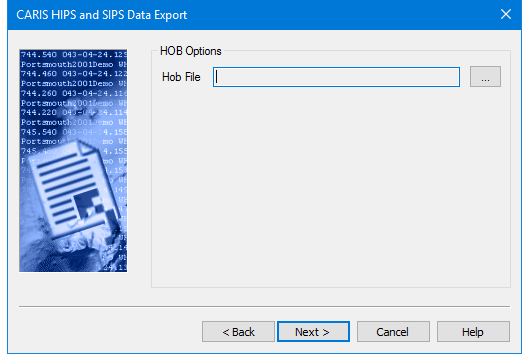
Use this dialog box to set the location of the HOB file that will contain the exported GSF data.
The file path and name will be displayed in the HOB File field.
Procedure
1. Click the Browse button […] to select the HOB file for data export.
2. In the Save As dialog box, browse to the location where you want to save the HOB file.
3. Click Save.
4. Click Next to go to the next page, Start Export.