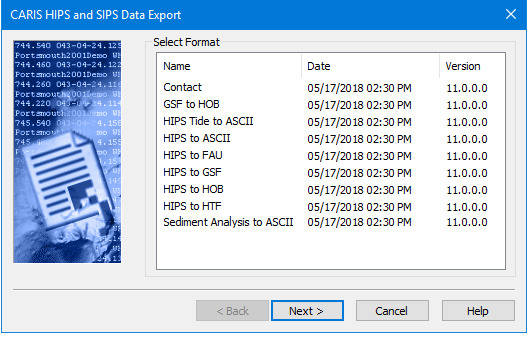
The first step is to select the format to which you want to export the data. The number of steps that follow vary depending on the specific options for certain formats.
Related commands:
Procedure
1. Select an export format.
2. Click Next to go to the next page, Select Data to Export.
You may be prompted to select the directory of the data being exported.
See also Export Formats.