Menu | Tools > Report > Difference Layers |
Match features on a selected layer to features on another layer based on feature object IDs.
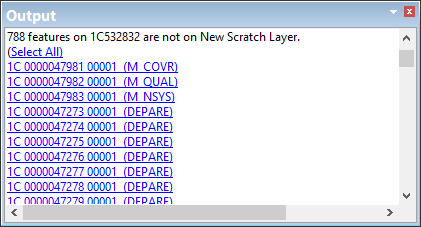
Features on the layer that are not matched to data are listed in the Output window.
Interface
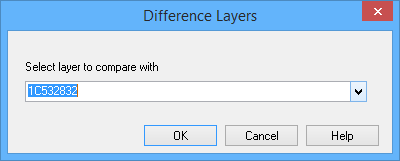
The Report Difference Layers command uses the following dialog box.
Option | Description |
|---|---|
Select layer to compare with | A list of open layers. 1. Select the layer you want to compare with the active layer. The dataset must contain feature object identifiers for this command to work. |
Procedure
1. Make a layer active.
2. Select the Report Difference Layers command.
The Difference Layers dialog box is displayed.
3. Select the layer you want to compare.
4. Click OK.
The Output window is populated with the feature object IDs that are not matched.
5. Click a link in the Output window to select the features.