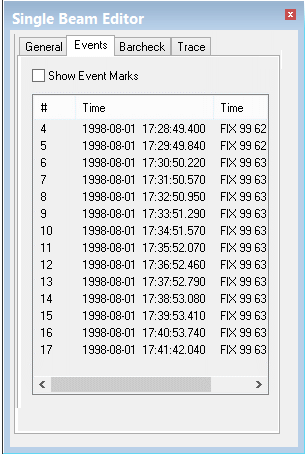
Event marks are commonly generated by the logging system at periodic intervals. Each event mark contains a unique identifier and time stamp. These event marks are displayed in table format on the Events page.
To display the event marks in the Single Beam Editor window:
1. Select the Show Event Marks check box.
The event marks are displayed at the top of the window.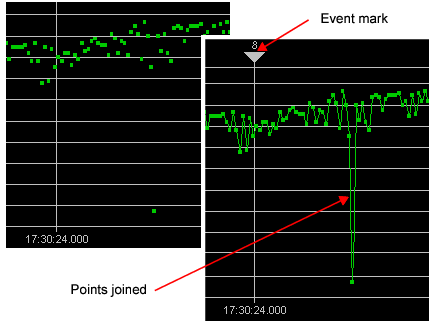
To centre the data in the Single Beam window on a specific event mark:
2. Double click on the event mark in the table.
The display will shift so that the data display in the editor window is centred on the selected event mark.