Menu | Tools > Coverages > TIN > Create Boundary TIN |
A Triangulated Irregular Network (TIN) is a triangulated surface constructed from input data containing 3D data points.
TINs can be created for raster surfaces, point clouds and feature layers containing features with a depth/height value. By default, these data sources can contain up to 3 million points to be included in the TIN. Depending on the resources of the computer that you are using, the number of points that can be included in the TIN could be much greater than the current limit value.
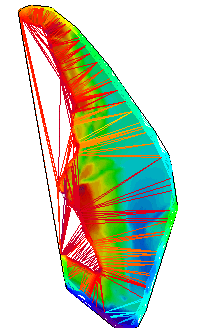
A TIN can be created for all data points in a data source, or for the boundary of the data. A boundary TIN is generated using only the nodes of a data source that are near the boundary of the data. You may choose to create a boundary TIN if the resulting TIN would exceed the limit of points supported for a single regular TIN. A boundary TIN can only be created for a raster surface.
Related commands:
Procedure
1. From the Layers window, select a source containing data with a depth or height value.
2. Select the Create Boundary TIN command.
The TIN is created and added to the Layers window as a new data source. See TIN Layers for information on the TIN layers.
You can edit the appearance of the TIN using the Colour and Wireframe properties in the Properties window when the TIN attribute layer is selected.