Menu | Tools >HIPS and SIPS >Beam Pattern >View |
Tool |
|
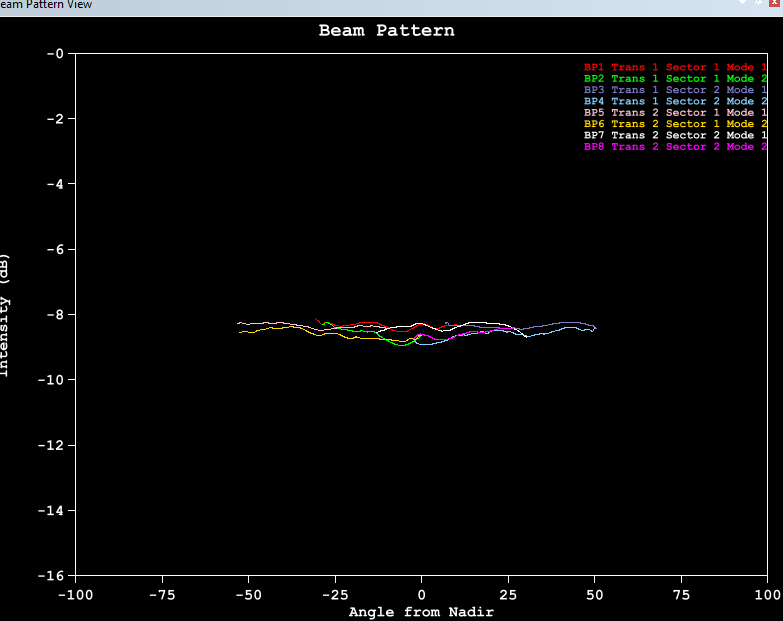
1. Select the View Beam Pattern command to see the beam pattern.
Menu | Tools >HIPS and SIPS >Beam Pattern >View |
Tool |
|
The Beam Pattern View displays the beam pattern graph. If the sonar system used multiple modes or independently-steered sectors, then each combination of mode and sector will have its own line in the graph. The colours of these lines can be adjusted in the Tools > Options menu, under Display > Beam Pattern.