Menu | Help > Trademarks and Licensing |
The Trademarks and Licensing command provides access to the Teledyne Geospatial trademarks information, as well as the licensing information for the third-party libraries shipped with the application.
Interface
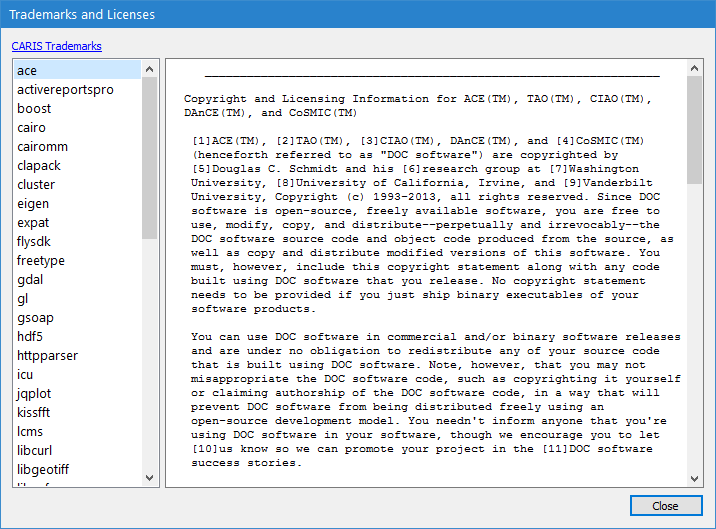
The following dialog box is used for the Trademarks and Licensing command.
Option | Description |
|---|---|
CARIS Trademarks | Click to launch the Teledyne Geospatial CARIS Copyright website, which provides the full trademark statement and a list of all registered trademarks. |
Left column | A list of all libraries shipped with the application. Select a library from the list to view its licensing details. |
Right column | The licensing details of the currently selected library. |
Procedure
1. Select the Trademarks and Licensing command.
The Trademarks and Licenses dialog box is displayed.
2. Click the hyperlink or select a library to view its licensing details.
3. Click Close to close the dialog box.