CARIS HPD Paper Chart Editor
 CARIS HPD Paper Chart Editor
This command is only available if the Raster Chart Module is enabled. |
Menu | Raster > Add Raster Layers |
Pop-up | Add Raster Layers (Layers window) |
Add TIFF or RLE layers to a panel in an open chart.
A chart must already be open in Paper Chart Editor and 1-bit TIFF or RLE monochrome images must be available.
Related commands:
• |
Procedure
1. Select the Sheet layer in the Layers window.
2. Select the Add Raster Layers command.
The Select Files to Import dialog box is displayed.
3. Navigate to the folder containing the files.
4. Select one or more image files.
5. Click OK.
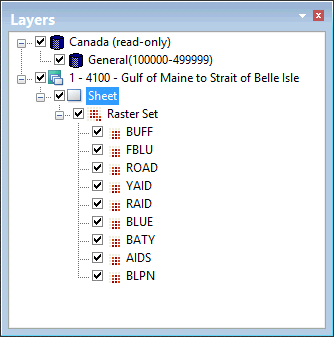
The layers are drawn in the Display window. Raster layers are listed in the Layers window under Raster Set.