If you are updating existing survey lines and, you will need to select HIPS file containing the lines to be updated. 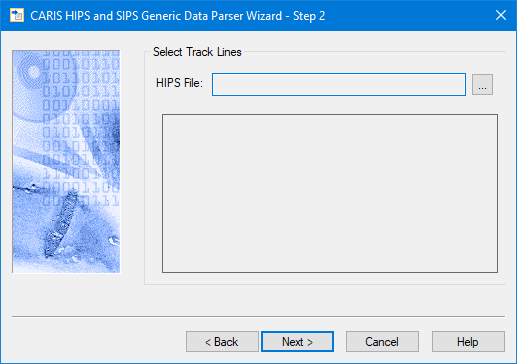
If you are updating existing survey lines and, you will need to select HIPS file containing the lines to be updated.
1. Click the browse button to navigate to and select the location of the data to be updated.
The name of the HIPS file is displayed in the Step 2 dialog box, and the line names are displayed in a file tree.
2. Expand the file tree and select the lines to update.
3. Click Next.