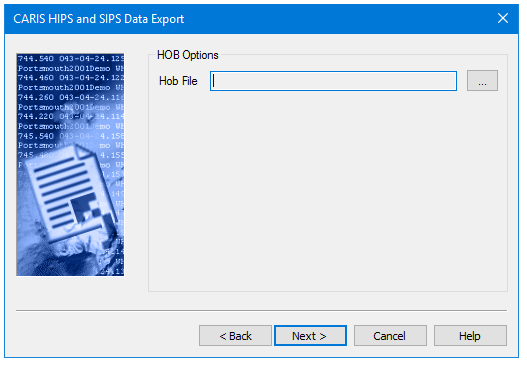
Set the output location for the exported HOB file.
Procedure
1. Click the Browse button to select a location for the HOB files.
2. Select a directory to store the HOB data and click OK to close the dialog box.
The file path is displayed in the Output File field.
3. Click Next to go to the next page, Start Export.