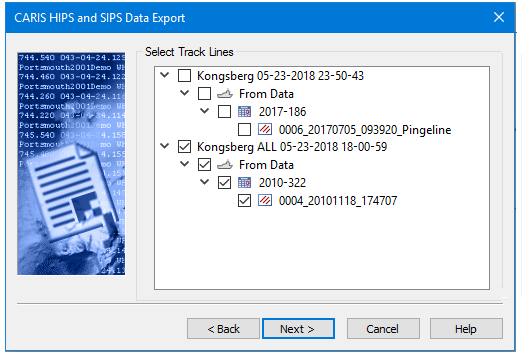
Select the data to be exported, either from the list displayed in the dialog box, or by browsing to a file location.
Procedure: Select Track Lines
Track line data that is currently open in the project will be displayed in a data tree format in the Select Track lines dialog box.
1. Expand the data tree to select the track lines to export.
2. Click Next to go to the next page, Select Export Options.
Procedure: Select GSF files
When exporting GSF to HOB, data is selected from a file location using the GSF Files to Export dialog box.
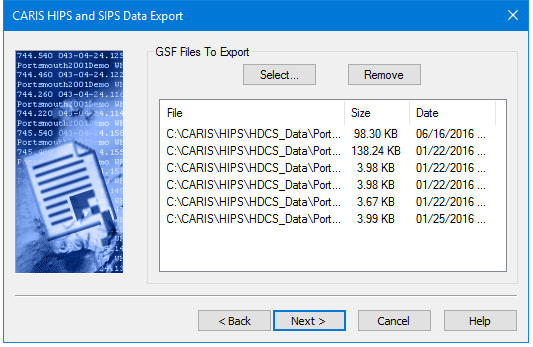
1. Click Select and in the Open dialog box, browse to the location of the files to export.
2. Select the file or files to include in the export.
3. Hold the <Ctrl> key while selecting to add more than one file to the list.
4. Click Open.
5. Click Next go to the next page, Export Options: GSF to HOB.