Menu | Tools > Coverages > Modify > Remove from |
Tool |
|
CARIS Batch | Remove From HIPS Grid |
Menu | Tools > Coverages > Modify > Remove from |
Tool |
|
CARIS Batch | Remove From HIPS Grid |
Remove a survey line from any single resolution regular gridded surface (Swath Angle, Shoalest Depth True Position, Uncertainty or CUBE surface).
Interface
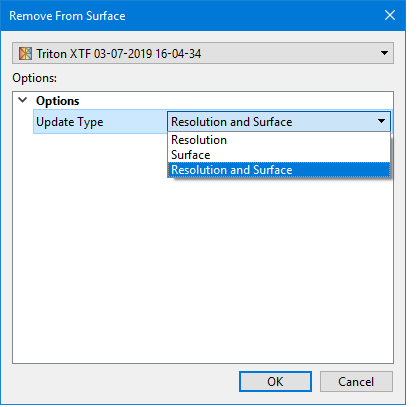
The Remove from Coverage command uses the Remove from Surface dialog box.
Procedure
1. Select the survey line in the Project window.
2. Select a surface layer in the Layers window.
3. Select the Remove from Coverage command.
The Remove Lines from Surface dialog box is displayed.
4. Select the type of update to apply.
5. Click OK.
The surface is regenerated without the data from the selected survey line.
