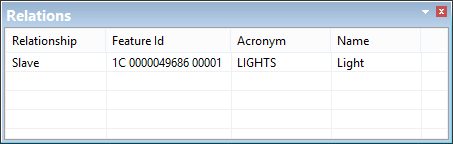
The Relations window displays collection object or relationship information for a selected feature.
Column | Description |
|---|---|
Relationship | Collection, parent or child |
Feature ID | Feature object identifier (unique reference) |
Acronym | A six-character code used to define the feature type. For example, BERTHS is used for a feature that represents a berth. |
Name | A brief text description of the real-world feature |
1. Select View Relationships from the pop-up menu to display the Collection Objects or Parent/Child Relationships dialog box.