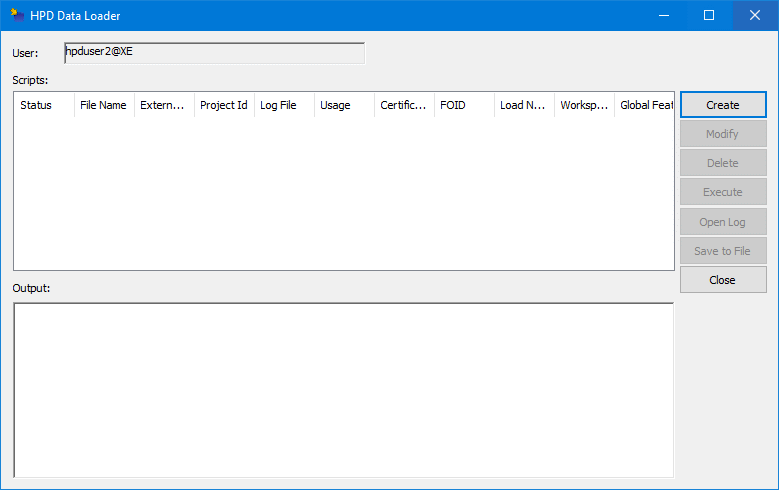
The HPD Data Loader imports data into a schema.
1. From the Start menu, select CARIS > HPD Data Loader.
The database dialog box is displayed.
2. Type a Username and Password or enable Use Windows credentials.
3. Select a database.
4. Click OK.
The HPD Data Loader is displayed.
Buttons are located on the right side of the window:
Button | Description |
|---|---|
Add | Create a new import criteria. See Add |
Modify | Make changes to import script. See Modify. |
Delete | Remove a criteria from the Data Loader. See Delete |
Execute | Run the Data Loader based on the entered criteria. |
Open Log | Display a text file that records the results of the load process. |
Save File | Save the criteria to a batch file that can be reopened in the Data Loader or run as a batch script. See.Batch Script. |
Close | Close the HPD Data Loader. |