Menu | Tools > Features > Sounding Selection |
Tool |
|
Pop-up | coverage layer > Tools > Select Soundings (Layers window) |
Menu | Tools > Features > Sounding Selection |
Tool |
|
Pop-up | coverage layer > Tools > Select Soundings (Layers window) |
Create a selection of soundings on a feature layer using existing soundings from a raster surface, point cloud or variable resolution surface. The selection mechanism can be either shoal‑ or deep-biased with control over the final density of the selected sounding layer through sounding suppression.
You can create a sounding selection from sources stored locally (that is, on the machine you are currently using), or from database surfaces that have been opened using the Open Selected Surfaces from Database command in the BASE ManagerTM module.
Related commands:
• Create Features from Selection
• Create Features Inside Contours
• Quick Creator
The Sounding Selection command launches the Sounding Selection Wizard.
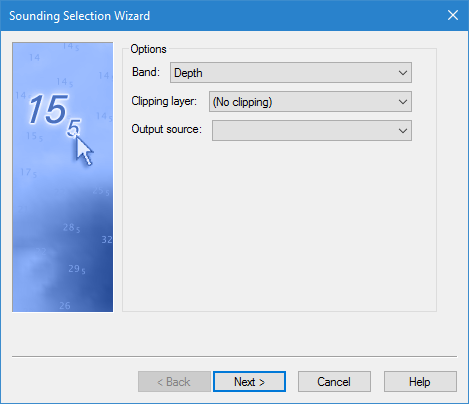
Refer to the linked topics for information on each step of the wizard.
