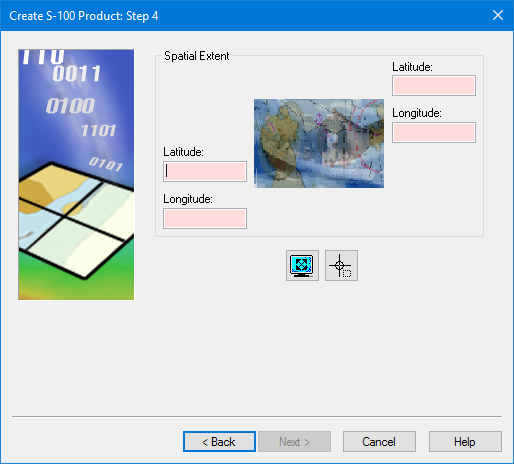
The geographic extent of the product. Type the extent directly or grab it from an external file.
Interface
Set the extent using one of the following methods.
Command | Button | Description |
|---|---|---|
Set manually | Type the coordinates in the Spatial Extent fields using one of the following formats: • • • | |
Use current cover |
| Use the current extent of the Display window. Make sure that the Display window shows only the area required for the product. |
Digitize boundary |
| Digitize a box to represent the extent. A cross hair cursor is displayed. Press and hold the mouse button and drag across the area where you want to create the product. |
Procedure
1. Set the extent.
2. Click Next.

