Tool |
|
Features can be loaded into the palette from two sources:
• Selected features in a layer
• Features in the catalogue
To load selected features from a layer:
1. Select a feature in the layer.
2. [Optional] Navigate to a suitable Template Group
3. Click the Tools button in the toolbar.
Tool |
|
A menu is displayed.
4. Select Load > From Selection.
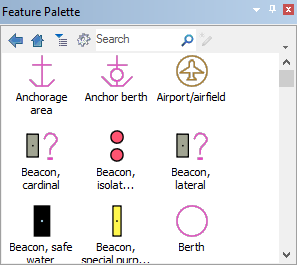
One button for each new feature is displayed in the Feature Palette.
Features from a catalogue can also be loaded to the palette. The Feature Palette uses the catalogue of the active layer.
1. Select Tools from the toolbar.
A menu is displayed.
2. Select Load > From Catalogue.
The catalogue is displayed in groups by feature type.
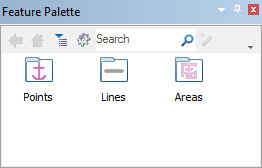
3. Double-click a folder.
Features in the folder are displayed as images.