Menu | Help > What’s New! |
Tool |
|
Menu | Help > What’s New! |
Tool |
|
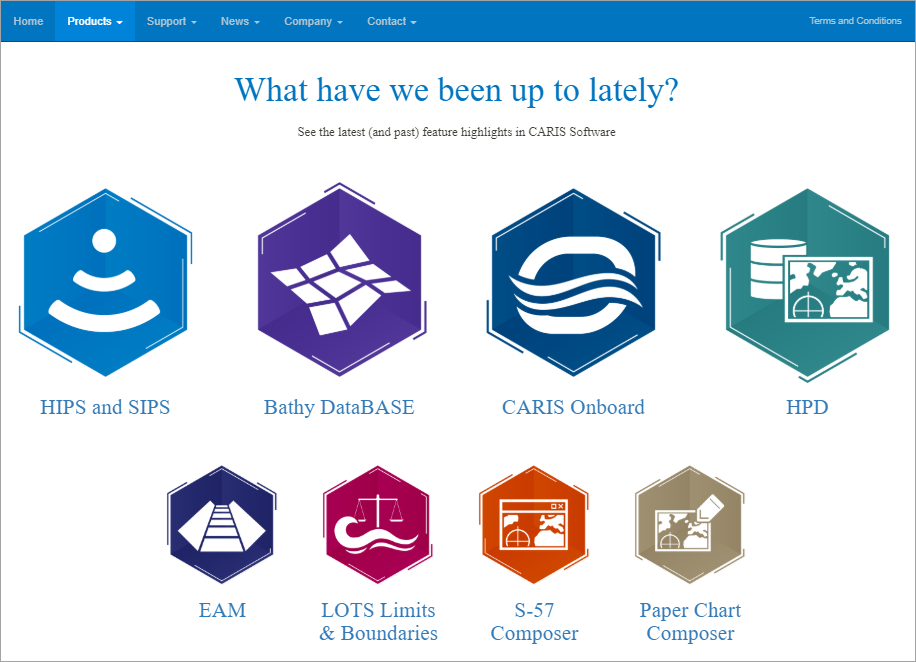
The What’s New! command provides a link to a highlights page on the Teledyne Geospatial CARIS Software website. This page provides information about recent feature highlights in CARIS products. Once the page has been loaded, you can click on the link for each product to see the highlights specific to that product.
This page can also be accessed from the What’s New link on the Welcome screen displayed when the application is launched.
Procedure
1. Select the What’s New! command.
The website is launched in your default web browser.
