Menu | Tools > Options > General > Credential Management |
Some processes and applications require users to provide credentials to access certain locations, for example, to connect to a database or cloud account. In these cases the user will be prompted for a user name and password. Some examples of this in Teledyne Geospatial CARIS applications are the Open Connection and Open Service commands that connect to various types of databases and web services.
The Credential Management option under Tools > Options > General allows you to set how these credentials are saved.
• Credentials can be stored temporarily in the memory of the application or windows session using these settings:
• Only the application session (default setting): credentials are remembered until the application is shut down
• Only the Windows log-on session: credentials are remembered until you log out of Windows
• Credentials can be stored permanently in the Windows Credential Manager using these settings:
• Always on this computer: credentials are remembered until you manually change the credential settings
• Always on all computers: credentials are remembered for the current user on any computer
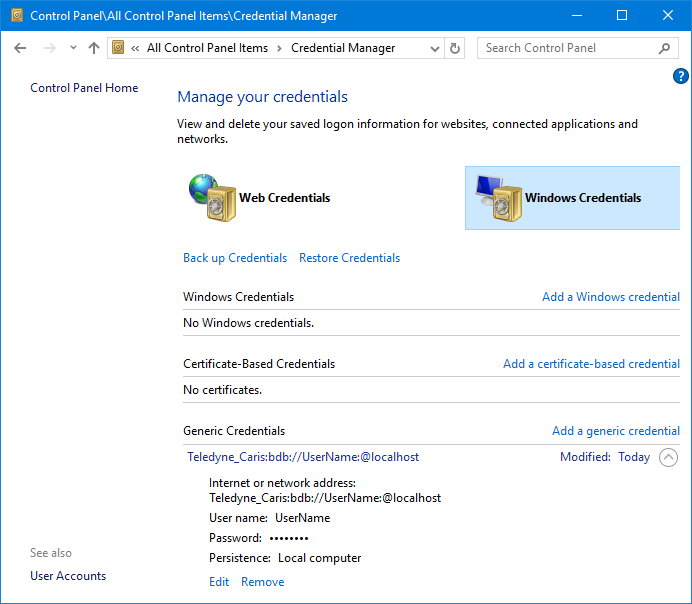
Once credentials have been entered using either of the Always on... options, the Windows Credentials Manager must be used to edit or remove the credentials, regardless of the Credential Management setting. This tool can be accessed through the Windows Control Panel.