Menu | Create > New Model Feature > Profile |
Tool |
|
Pop-up | Create New Profile (Model window) |
Menu | Create > New Model Feature > Profile |
Tool |
|
Pop-up | Create New Profile (Model window) |
The New Profile command is used to specify locations where repeated visual inspection of the data is desired. You can create a cross-sectional reference to:
• analyze the cross-sectional or longitudinal morphology of a model,
• predict potential slope failures, and
• see how the data intersects with the theoretical model.
To visually create a profile, there must be at least two existing points that belong to a template cross-section.
Alternatively, you can generate profile lines at predetermined steps using the Station Catalogue feature (see New Station Catalogue). |
Procedure
1. Using a selection tool, choose the points required to create the profile.
2. Select the New Profile command.
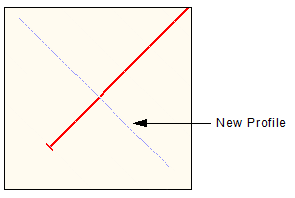
The profile is automatically generated based on the selected points. The Model Feature window displays the Identification tab.
3. [Optional] Edit the profile’s default name by typing a new value in the Name field and pressing <Enter>.
4. [Optional] Type a Description for the profile and press <Enter>.
5. [Optional] Add, remove or move (up or down) points in the Points tab.
The Display window is refreshed to display the new profile.