Menu | View > 3D View |
Tool |
|
Menu | View > 3D View |
Tool |
|
The 3D View command is used to enable or disable the 3D View, which provides a three-dimensional view of data.
The Display category in Tools > Options provides a set of 3D options that can be used to adjust the display of the window and turn on/off tools and components in the 3D View. Before working with data in this view, you may want to set these options.
Related topics:
• 3D View
• Draping
Procedure
1. Open a data source containing 3D data.
2. Select the 3D View command.
The 3D View window is shown in the Display window space.
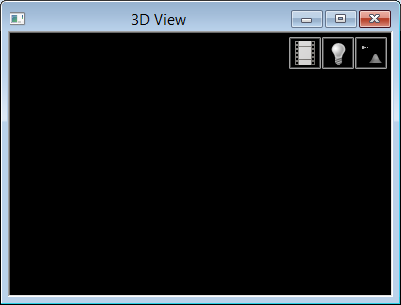
3. From the Layers window, select the data you want to view in 3D.
4. Select the 3D View command or click the 3D View button to close the window.
