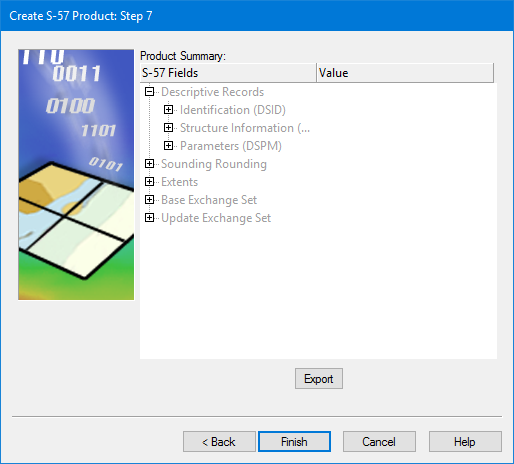
Summary of all options selected in the wizard.
Interface
Product summary dialog box:
View details by clicking the + icons. If necessary, click Back to change a setting.
Export the product settings to an XML file by clicking Export.
Procedure
1. Review the information.
2. [Optional] Export the product settings to an XML file.
3. Click Finish.
The product files are created and a set of layers is displayed in the Layers window.