The Reprocess tool is provided for all jobs in the Job Details dialog box. 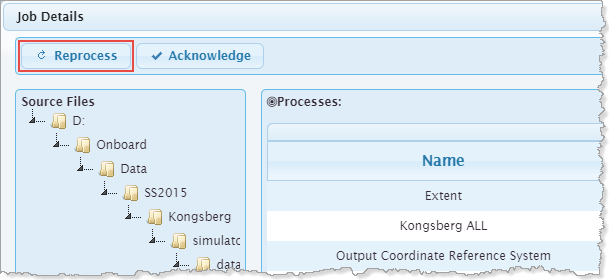
In the event that a job does not complete successfully or needs to be processed with different settings, the Reprocess tool can be used to reprocess the job.
There are many possible reasons a job may need to be reprocessed. A few examples are:
• the job did not process successfully
• the wrong process model file was used
• a different coordinate reference system is needed
The Reprocess tool is provided for all jobs in the Job Details dialog box.
When a job is reprocessed, the original entry for the job is deleted from the services.db file, causing the Onboard service to assess the source file as new data and add the file to the cue of job to be processed. If an output product exists from the original job, that file will be overwritten and any edits (such as swath editing) will be lost. Mosaic grids are the exception to this, with new data being appended to the existing file rather than overwriting it.
If the original source file is no longer available in the monitor directory, an error message is displayed if the job is reprocessed.