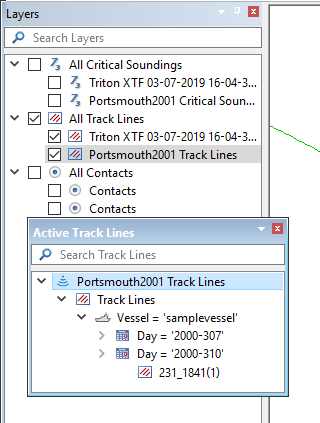
The names of all the sources, including track lines, that are open in the Project window are displayed in the Layers window. The Active Track Lines window displays the track lines that are currently selected, as shown in the example below.
The window displays the track lines in an expandable tree that includes the name of the HIPS file, the vessel name, Day (timestamped) and line names.