Menu | Tools > Coverages > Modify > Add to |
Tool |
|
CARIS Batch |
Menu | Tools > Coverages > Modify > Add to |
Tool |
|
CARIS Batch |
The Add to coverage command applies new track lines to an existing surface without the need to regenerate the surface. You can add specific lines to the coverage or you can let HIPS select the lines to be added automatically.
Interface
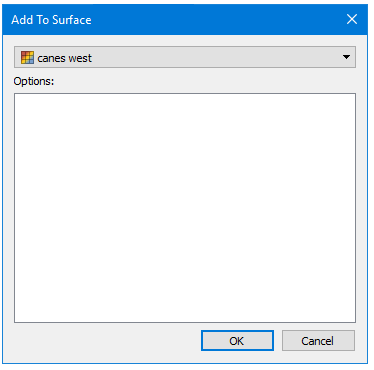
The Add to Coverage dialog box lists the surfaces that can be added to.
Procedure
1. Select the track line layer in the Layers window.
2. Select the track line(s) you want to add to the surface so it is highlighted.
3. Select the Add to Surface command.
4. In the Add to Surface dialog box, select the surface to be added to.
5. Click OK.
The selected lines are added to the surface.
