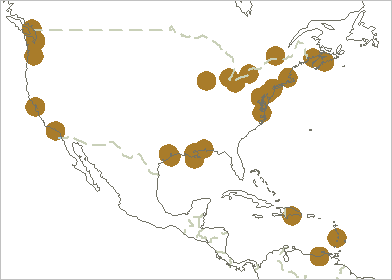
Open a VPF dataset using the library attribute table.
In the Open dialog box:
1. Select a LAT file and click Open.
Layers associated with the browse library are displayed in the Layers window.
An outline of the area where VPF data is available is displayed in the Display window.
2. In the Layers window, select the Lib layer.
3. In the Display window, select the area that contains the data you want.
The area is highlighted and the library boundary areas (LIBARE) are displayed in the Selection window.
4. Click on a row to superselect a library boundary area.
Information about the superselected boundary area is displayed in the Attributes window.
5. In the Selection window, right-click in the superselected library row and select Open Selected VPF Library from the pop-up menu.
The area in the outline represented by the library boundary is highlighted.
The VPF dataset is opened in the outline. The libraries and coverages associated with the LIBARE feature are displayed in the Layers window.
6. Zoom into the dataset to get a better view of the data.
You can control the data display by clearing or selecting the coverage and library check boxes.