To define the reaches in a station catalogue, perform the following steps:
1. Select the Reaches option.
2. Click Add.
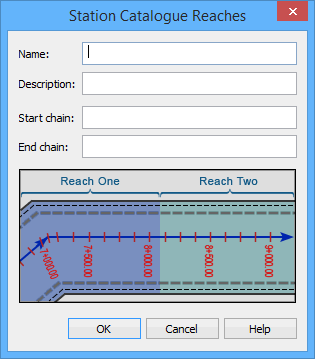
The Station Catalogue Reaches dialog box is displayed.
First, you must assign a unique identifier for the reach and provide a description to help you identify each reach.
3. Type a unique identifier in the Name field.
4. [Optional] Type a brief Description.
Next, you must define the range set to apply to the reaches rule. Each value in the Start chain and End chain fields must be measured from the start of the first alignment.
You can determine the chain of a station by selecting the station it crosses. |
5. Type the Start chain value.
6. Type the End chain value.
7. Click OK to close the dialog box.
8. Repeat Steps 2 through 7 until all reaches in the template are defined.
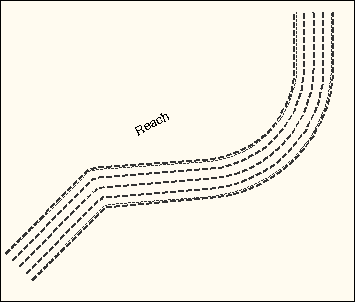
The Display window refreshes to display the template reaches with associated partitions.