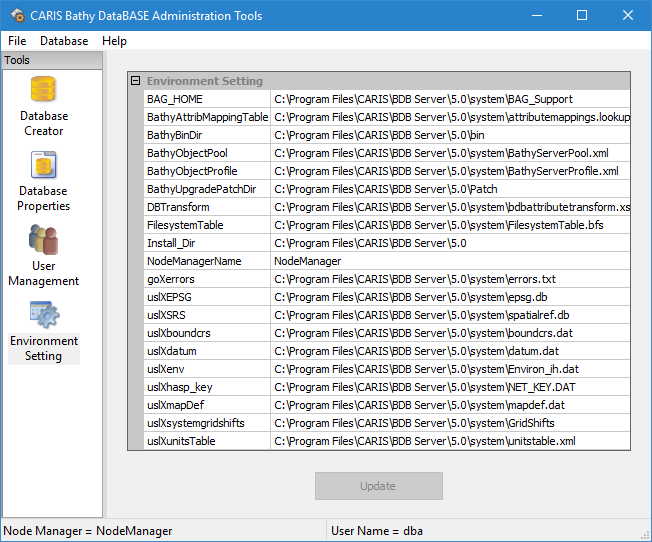
The Environment Settings page provides a list of the environment variables in use by the server. These variables tell the application which support files to use for each function. You can view and change the BDB Server support file settings in this tab to better suit your system.
To change an environment variable value:
1. Double-click the Environment Setting icon.
Tools |
|
2. Select the variable that you want to change.
3. Click the Browse (...) button that appears in the value field for the variable.
Depending on the variable selected, one of the following dialog boxes will be displayed.
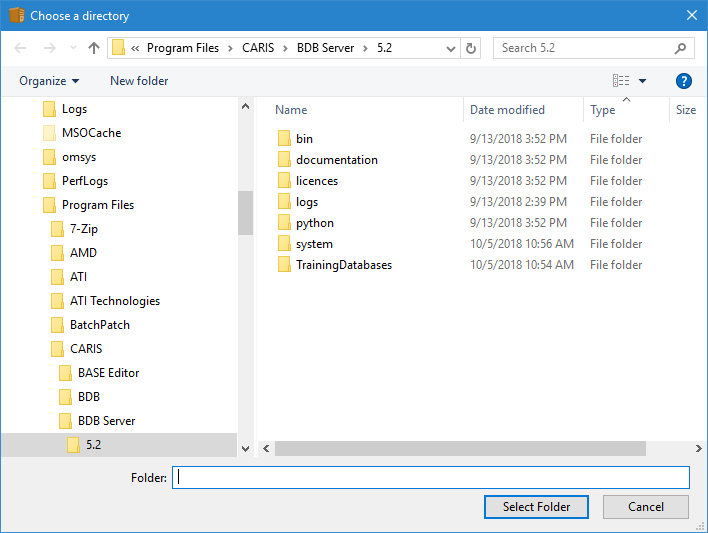
• Browse for Folder dialog box:
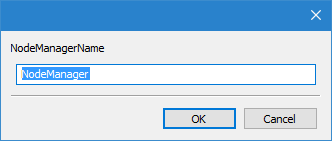
• Input Text dialog box:
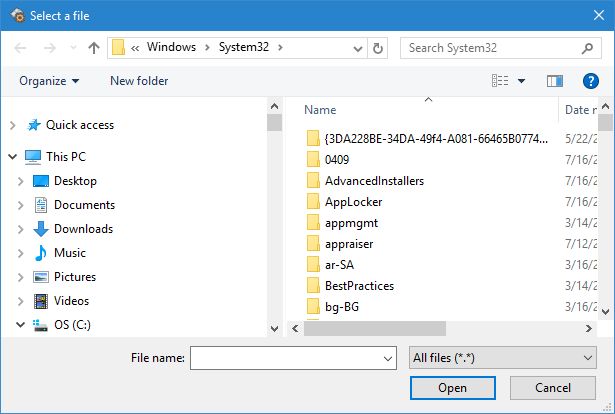
• Select a File dialog box:
4. Select a file or folder, or enter the text for the variable and click OK (Open).
You are returned to the Environment Settings page in the BDB Administration Tools. The new value of the environment variable is displayed in the value field for the selected variable and the Update button is enabled. The Update button is used to commit any changes. If you disconnect from the node manager without committing changes, the settings will revert to the previous values.
5. Click Update to commit the change.
The environment variable is now updated.
Changing certain variables will require the Node Manager service to be restarted in order for the changes to take affect. When this is the case, a message will be displayed asking you to restart. |
