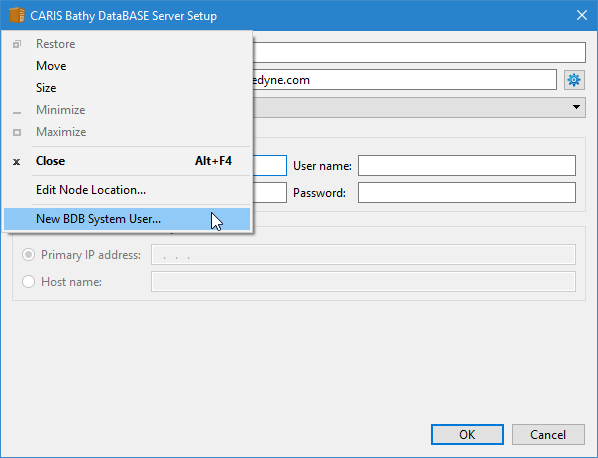
If you are using Oracle as the database backend, an additional option is available and enabled in the title bar pop-up menu.
The New BDB System User tool allows you to create a new Oracle administrator user that has less privileges than the default "system" user. This user would be used by the Node Manager to connect to the Oracle server when creating databases and users.
To create a new Oracle system user:
1. Click the application icon (left-corner of the title bar).
The application pop-up menu is displayed.
2. Select New BDB System User.
The New BDB System User dialog box is displayed.
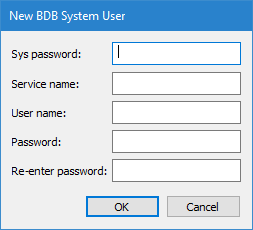
This dialog box will create a new user account in the Oracle server. To do this, you must be connected to the server with the "system" account.
3. Enter the System password of the Oracle system user.
All valid Oracle service names are located in your tnsnames.ora file.
4. Enter the Service name to use.
5. Enter values for the User name and Password.
The User name and Password must comply with naming restrictions. See Naming Restrictions.
6. To confirm the password, enter the password value in the Re-enter password field.
7. Click OK.
The user will be created in Oracle and the fields in the Server Setup utility will be populated with the values specified for the user. The credentials for this user will be saved in the bathynodemanagerconfig.xml file.