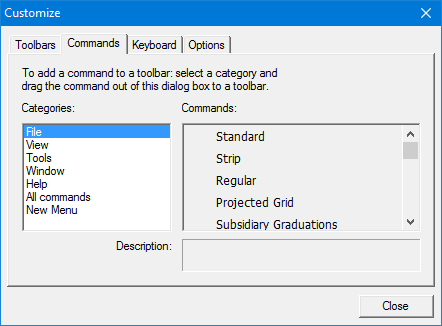
Add menu commands to new or existing toolbars.
Interface
Procedure
1. Select the Commands tab.
The Categories list contains all the menus. The Command list contains the commands in the selected menu.
2. Select a menu from the Categories list.
The Commands list displays the commands in that menu.
3. Select a command.
A definition of the command is shown in the Description field.
4. Drag the command to a toolbar on the interface.
5. Release the mouse button.