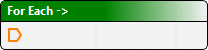
Lets a process model be run against each of a set of inputs.
This can be used after running a tool such as List Files, which collects a number of files.
1. Drag or double-click the For Each tool.
The For Each dialog box is displayed.
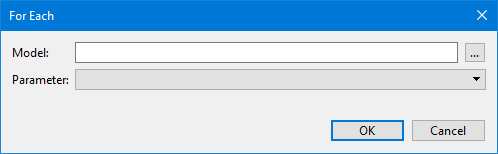
Option | Description |
|---|---|
Model | Select a process model file. This can be run on each import. 1. Click Browse (...) to locate process model file. |
Parameter | Parameters required by the process model will be listed. |
2. Select the process model file.
3. Define any necessary parameters.
4. Click OK.
The For Each tool is displayed in the Model window.