 CARIS HPD Paper Chart Editor
 CARIS HPD Paper Chart Editor
CARIS HPD Product Editor
CARIS HPD Source Editor
CARIS S-57 Composer
CARIS Paper Chart Composer
Menu | Tools > Run Process Model |
Tool |
|
Run a process model file which is created in Process Designer.
You must define values for process parameters before the process is run.
Interface
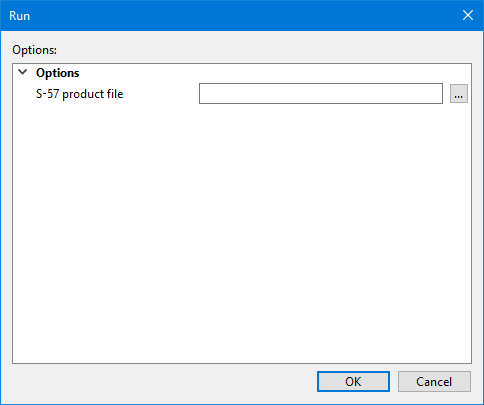
The title bar and the parameters displayed will depend on the process model you select. These parameters are defined in the Process Designer.
Procedure
1. Select the Run Process Model command.
The Select a Process Model to Run dialog box is displayed.
2. Navigate to the appropriate folder and select a process model file (*.processmodel).
3. Click Open.
The Run dialog box is displayed.
4. Define all necessary parameters.
5. Click OK.
The process model runs. Information about each process in the model is displayed in the Output window.
